Lab 2
Hi everyone !
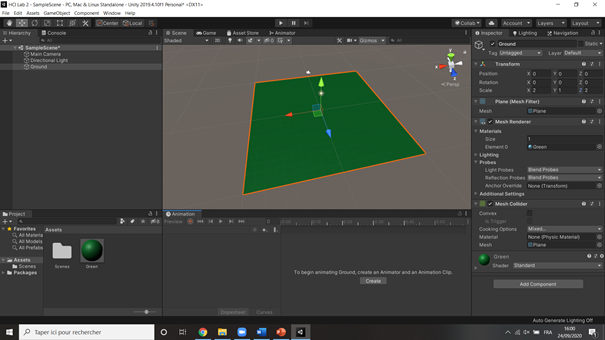
Today, I built the 3D Unity Application : Roll A Ball. I followed the Unity learn steps, and I started by creating the ground :
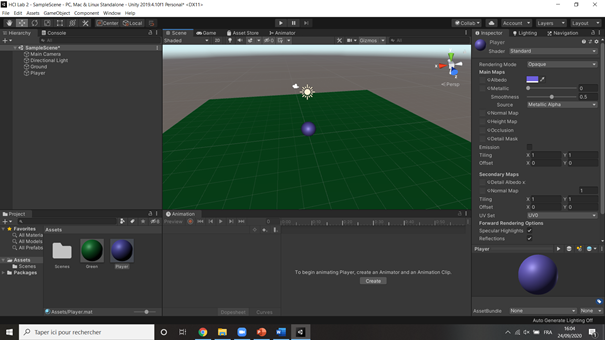
Then my player :
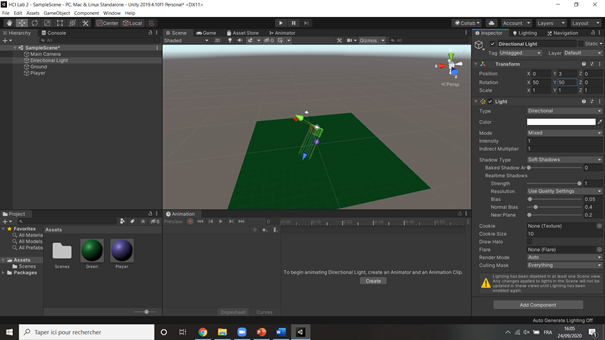
I changed the light to have a better direction :
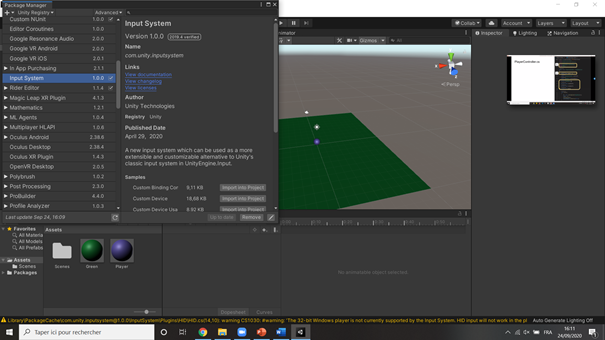
I changed the Input System Package :
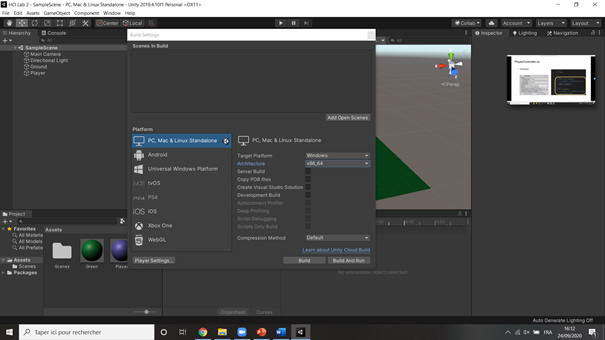
I changed the Build Settings of my project. I had no errors, because I already had Visual Studio and Windows 10 SDK :
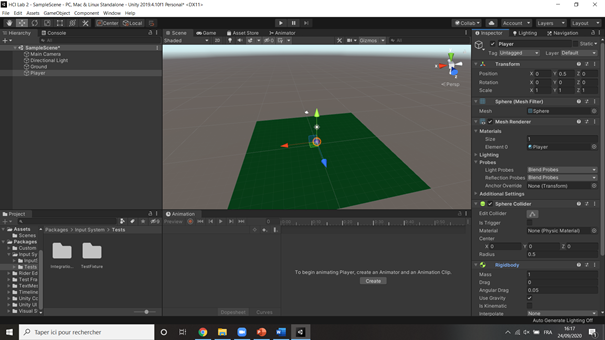
I added the Rigidbody to my player, in order to subject it to gravity :
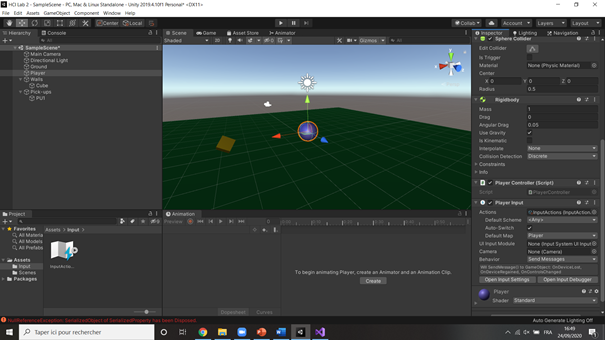
I added the Player Input to the player and the Input Actions, in order to use the pre-defined moving commands :
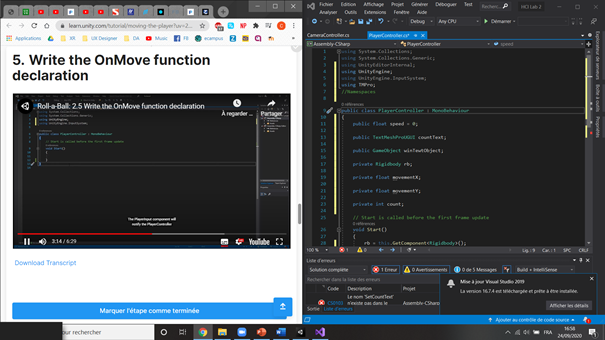
I already had Visual Studio opened by Unity by default, because we had to do it for Lea’s course. To really understand the PlayerController Script, I followed the unity learn videos :
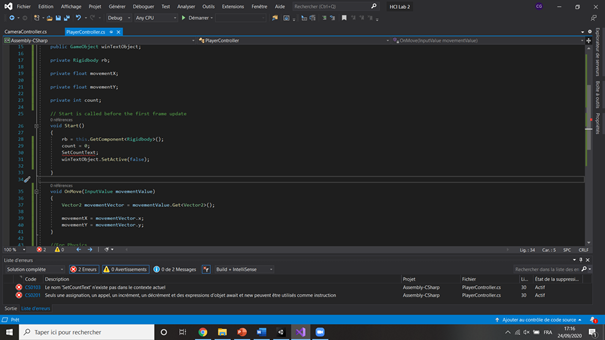
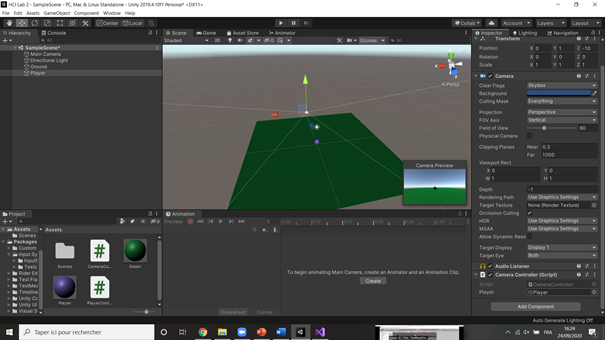
I wrote the Camera Controller Script, with the player associated :
Then, I created the walls with a hierarchy, in order to easily move them at once :
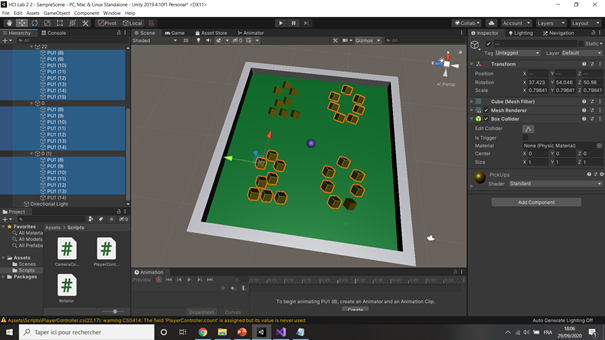
I created the pick ups and their material. I put them specifically to form 2020 :
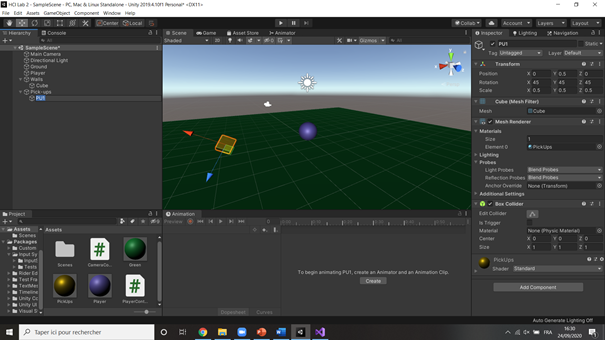
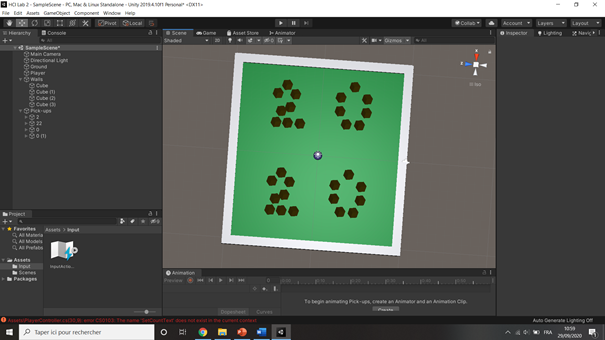
Then, I updated the PlayerController :
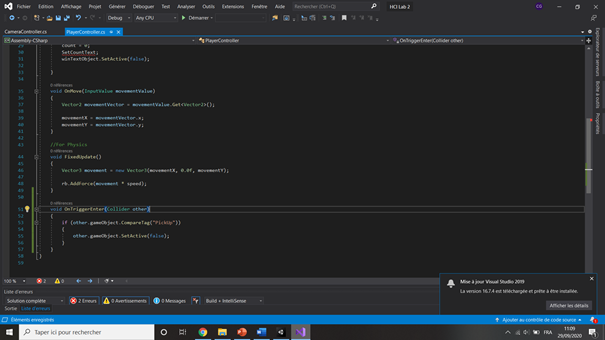
Since the tutorial slides guide us to duplicate the pickups before creating the prefab, they do not inherit the properties of the prefab. Fortunately, I can select all of the pick-ups and add the script at once :
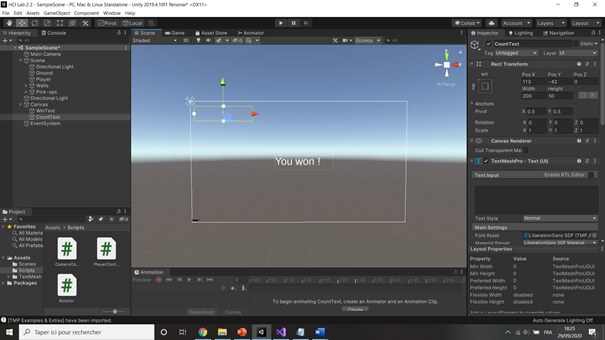
Finally, I added the “Count” and “Win” text, a Text Mesh Pro object :
My game was now ready to be build. I built it with the settings given, and Ta Da ! My first Roll A Ball game works on my computer :

Bonus
I gaved an IP Paris tuch to the game, by moving the pickups to form IPP instead of 2020 :
